
If you are a new blogger, you want to write blog posts as fast as possible, but also for them to rank (have you ever seen page 2 on Google? Me neither), but you want to monetize your blog as fast as possible, and to do that, you need content.
This blog post is all about KeySearch + Keywords Everywhere (my keyword genies)
When I started on my first blog, I was the BIGGEST perfectionist. I went in the search bar in a blogging group and scrolled my way up to 2025 to make sure I don’t miss a thing, learn from everyone else’s mistakes and the latest tools and tips for blogging.
Before you burn yourself out and overthink to the point of not even posting once a week, I will share my keyword research strategy and tell you that the worst thing that can happen is for your blog post not to rank.
And even then, you can rank on Pinterest, Instagram and TikTok.
How do I know what to write about?
- When I scroll on social media, I save everything I like in a folder I call ‘content bank’
- With my idea for a title i search my keyword on Google
- After Google, I searched the same/similar keywords on Pinterest
- I add everything i find in my Excel planner called ‘BSA’s Keyword Bank‘
Let’s take this into action, I am a visual girl myself and I am all about showing, not just telling.
The keyword of the day is ‘CATS‘. (Let’s assume i saved bunch of posts on instagram about cats and now i want to write a blog post about cats and create similar posts for all my socials too)
I go to Google and I type: cats and space
Google will finish the sentence for you.
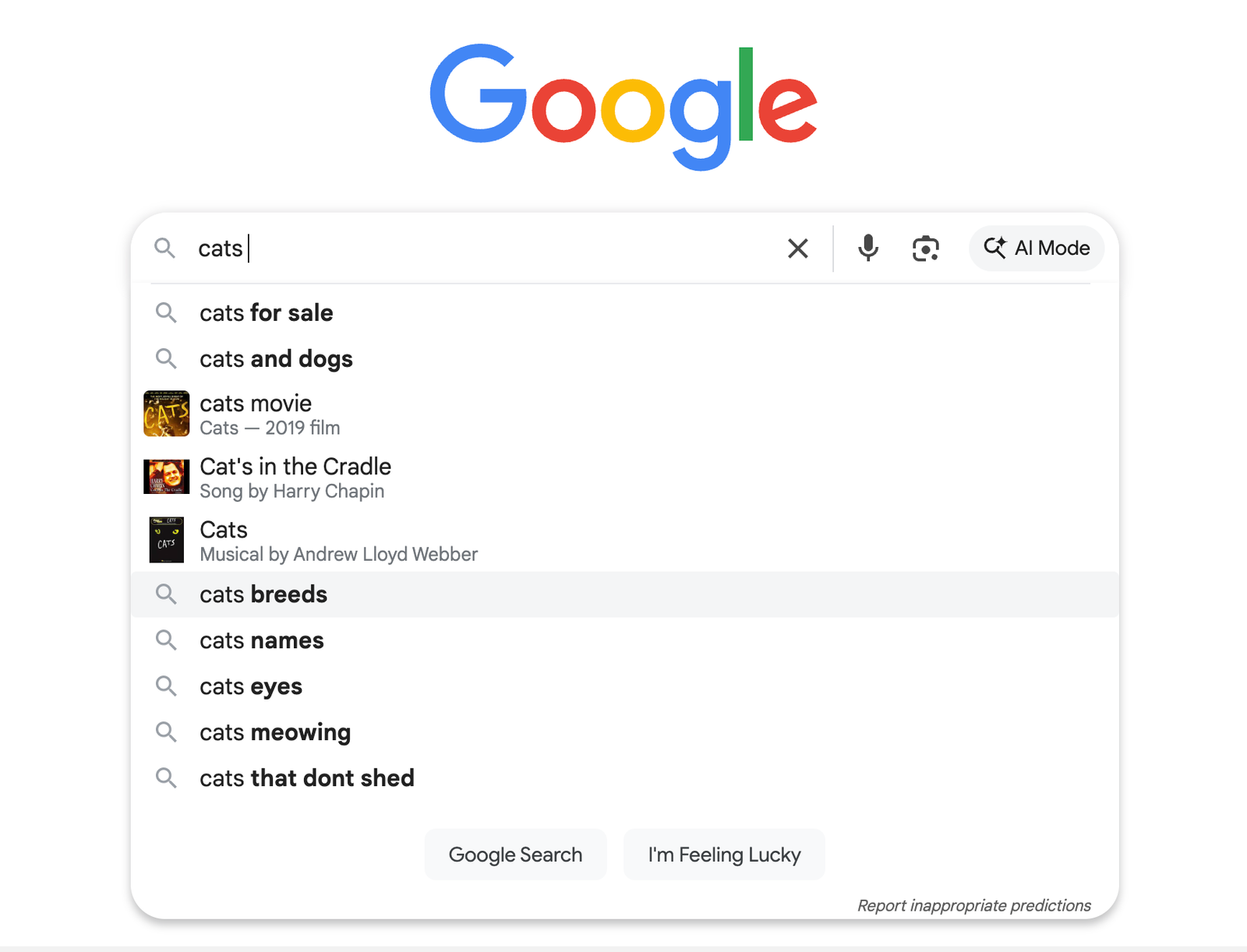
Cats breeds – I am picking this, now let’s learn some more about this keyword.
This is where Keywords Everywhere comes into play – It’s an extension that shows you everything Google knows about what you are searching for, you turn it off and on depending on when you want to use it.
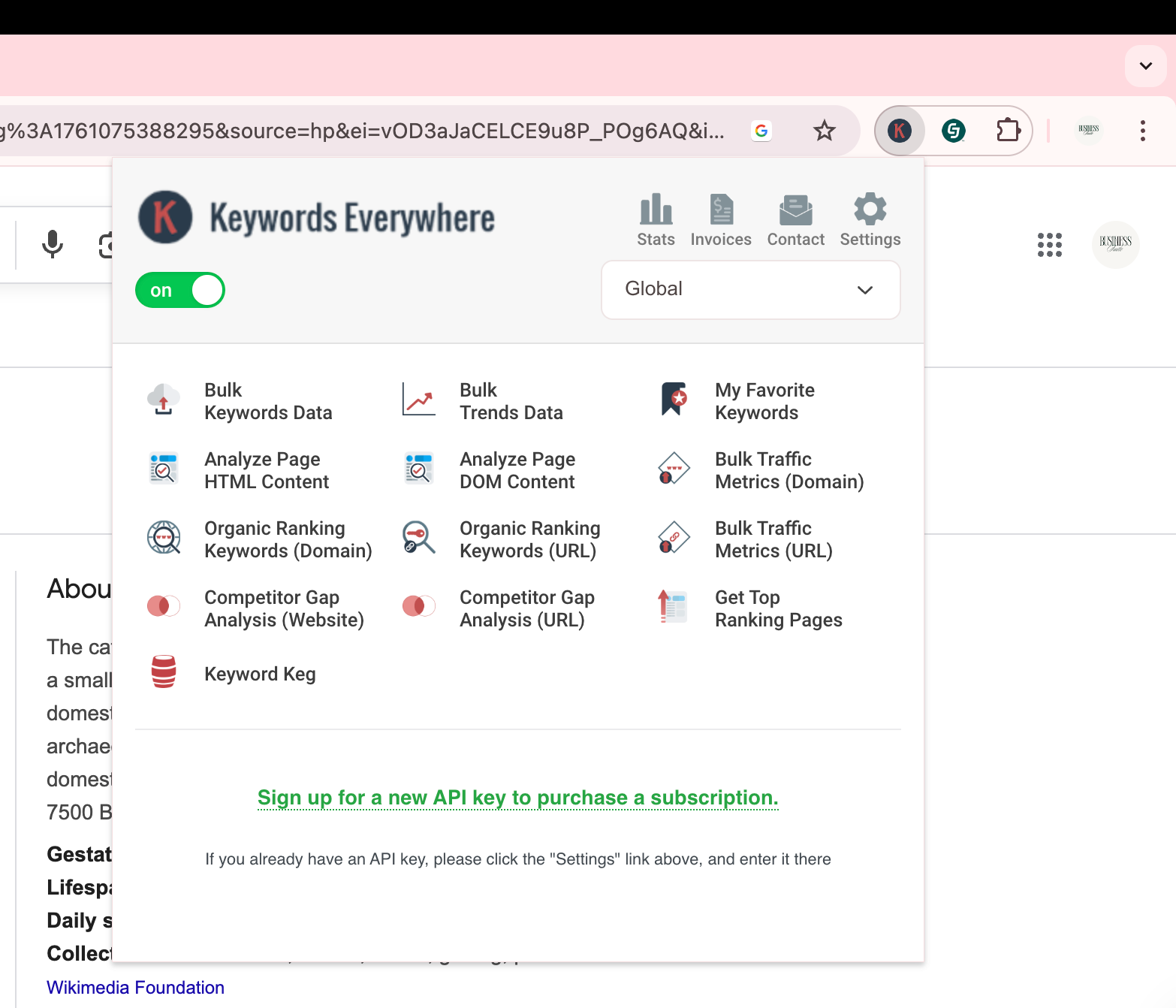
I use the $5 a month plan, because 100,000 credits is more than enough for a new blog.
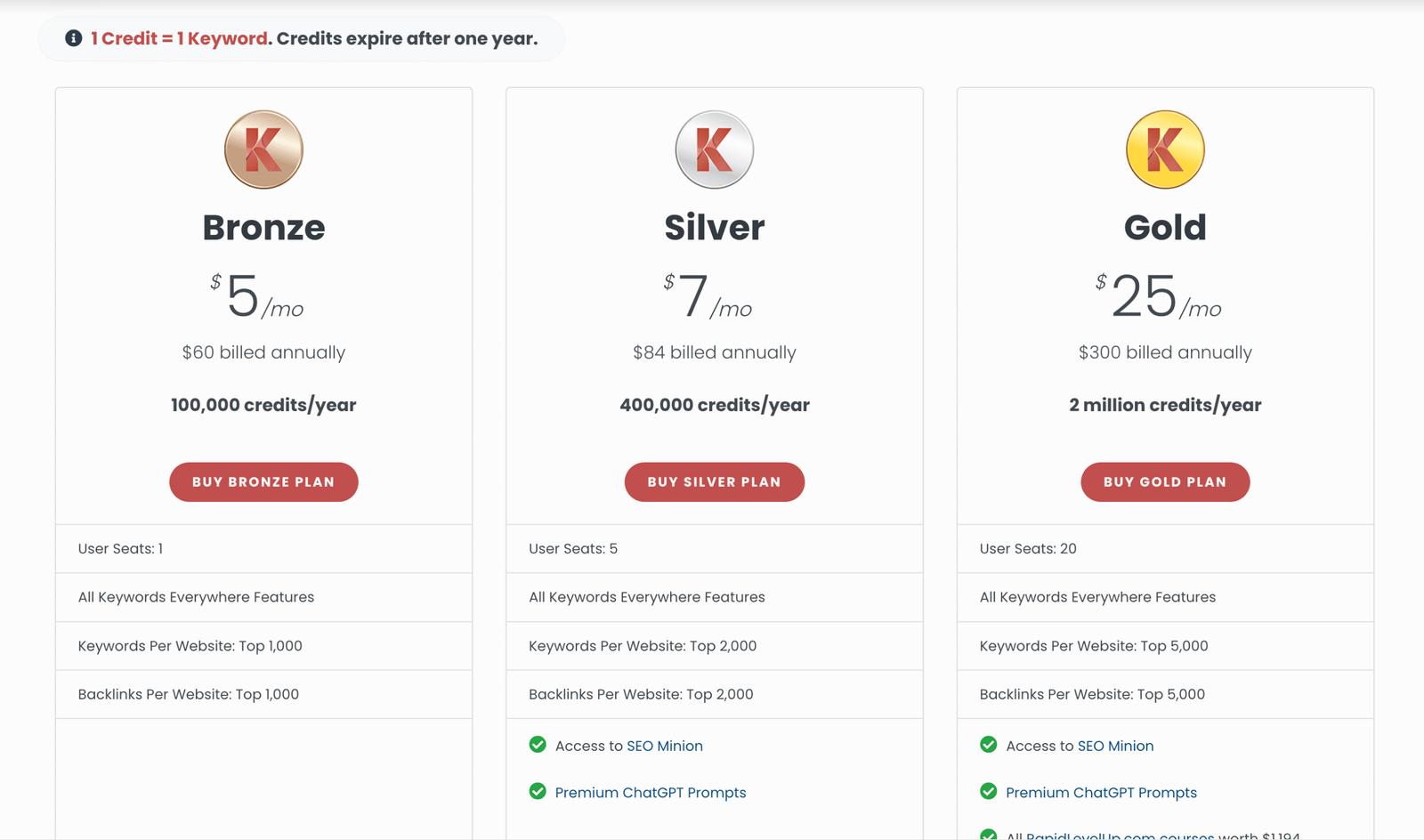
But, let me show you how easy it is to use:
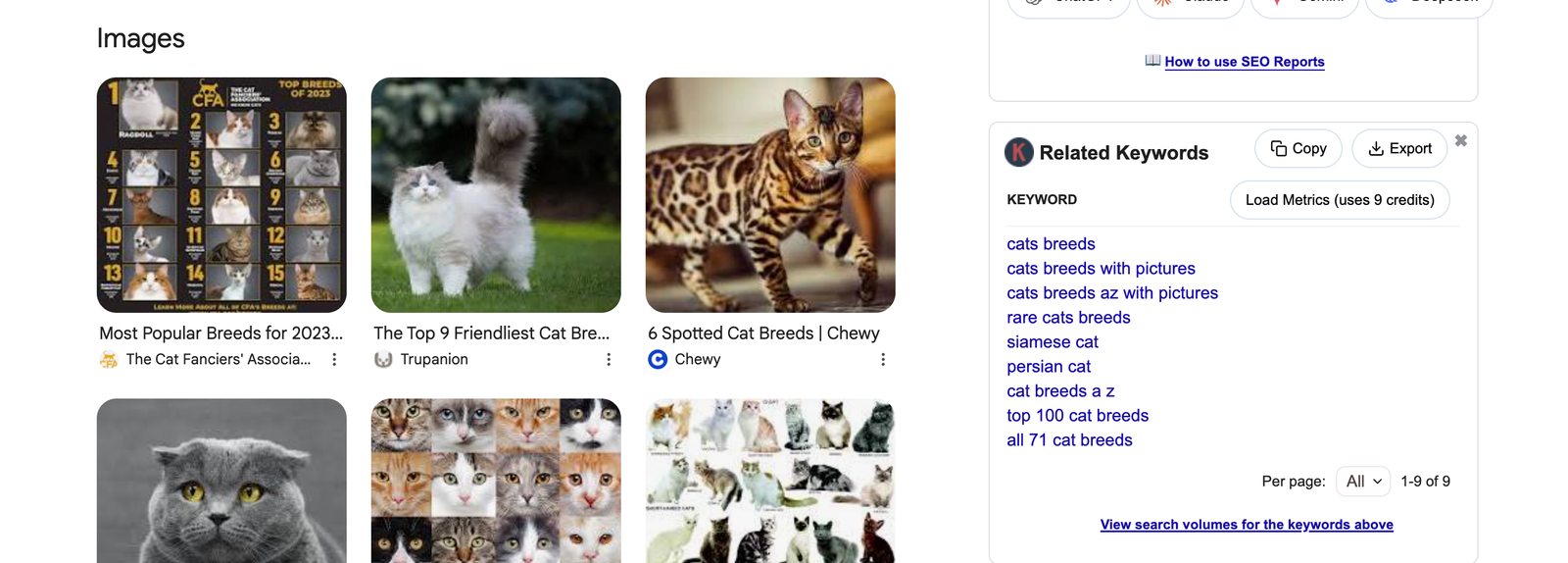
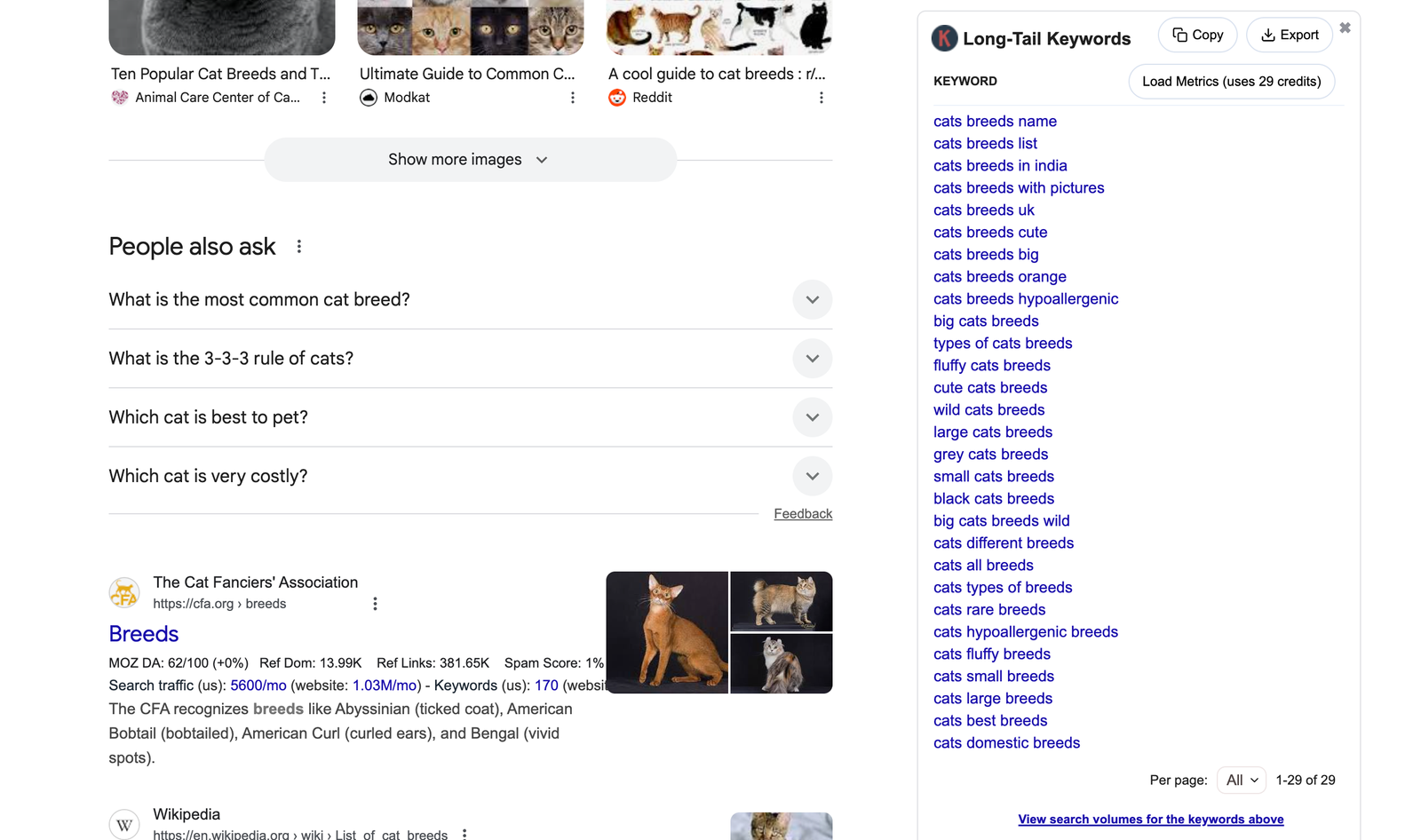
I am using an unpaid extension here. Usually, it also shows you how many times each keyword is searched in a month and other information, but it basically shows you related and long-tail keywords related to the keyword you searched.
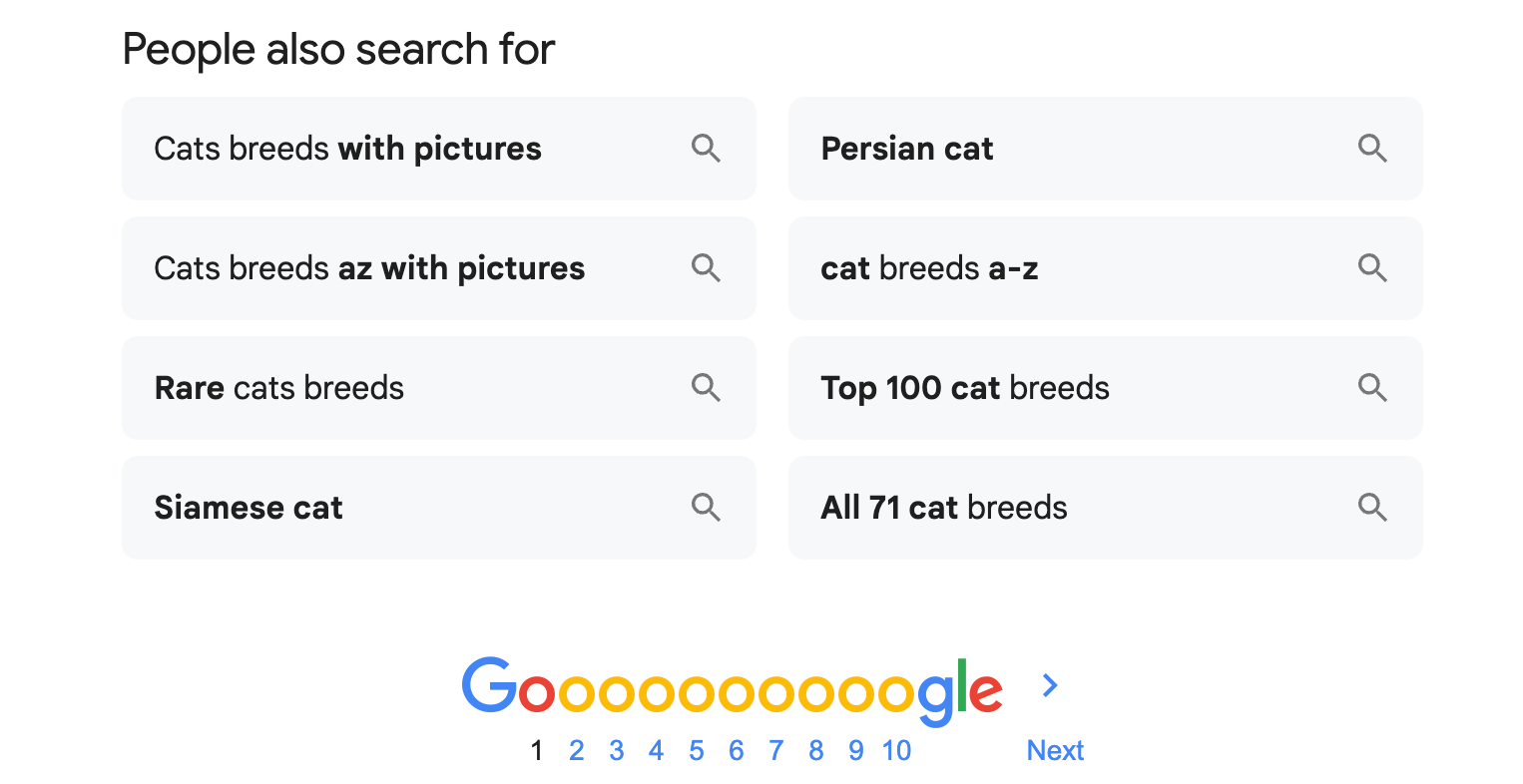
Also i recommend you use People also ask section + People also search for section at the end of page one:
The next step is to open Pinterest and type: cat breeds on Pinterest too:
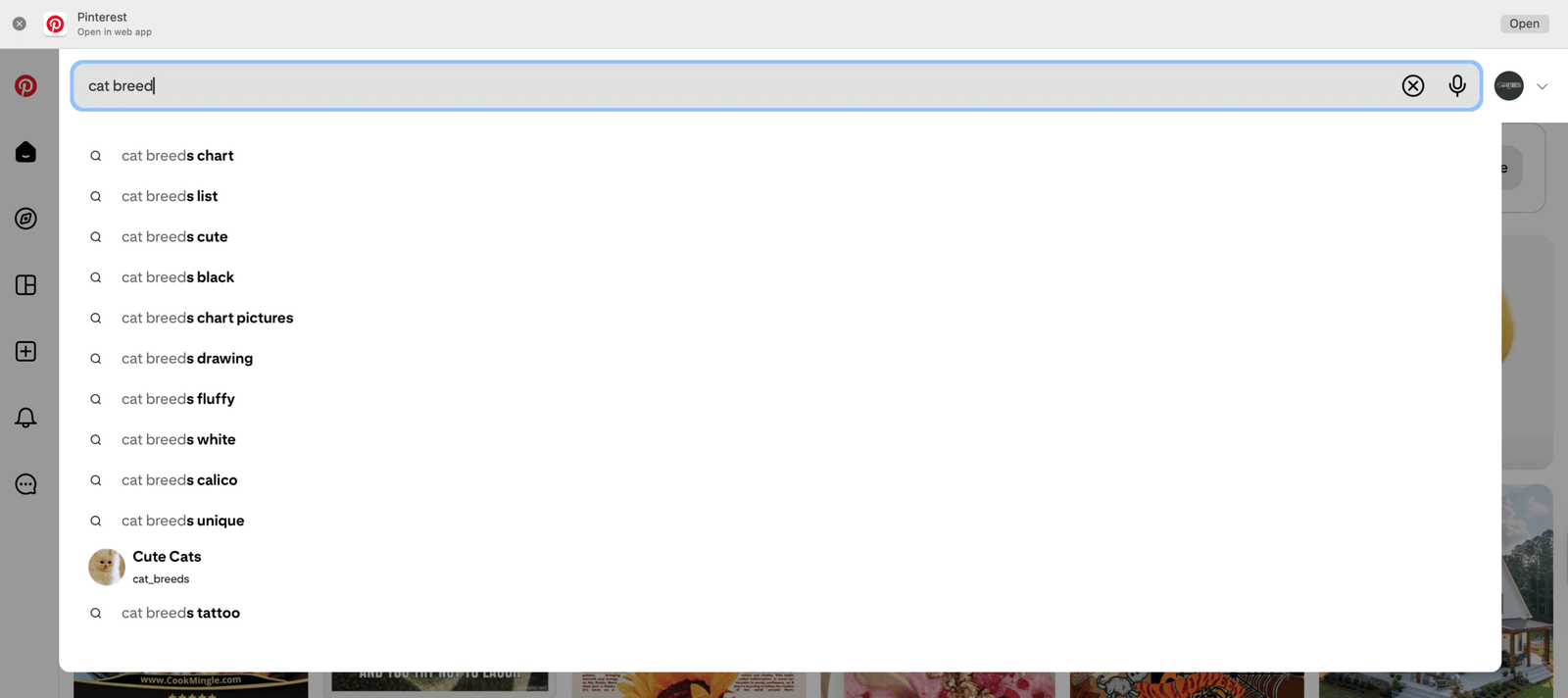
It’s really important you write these down:

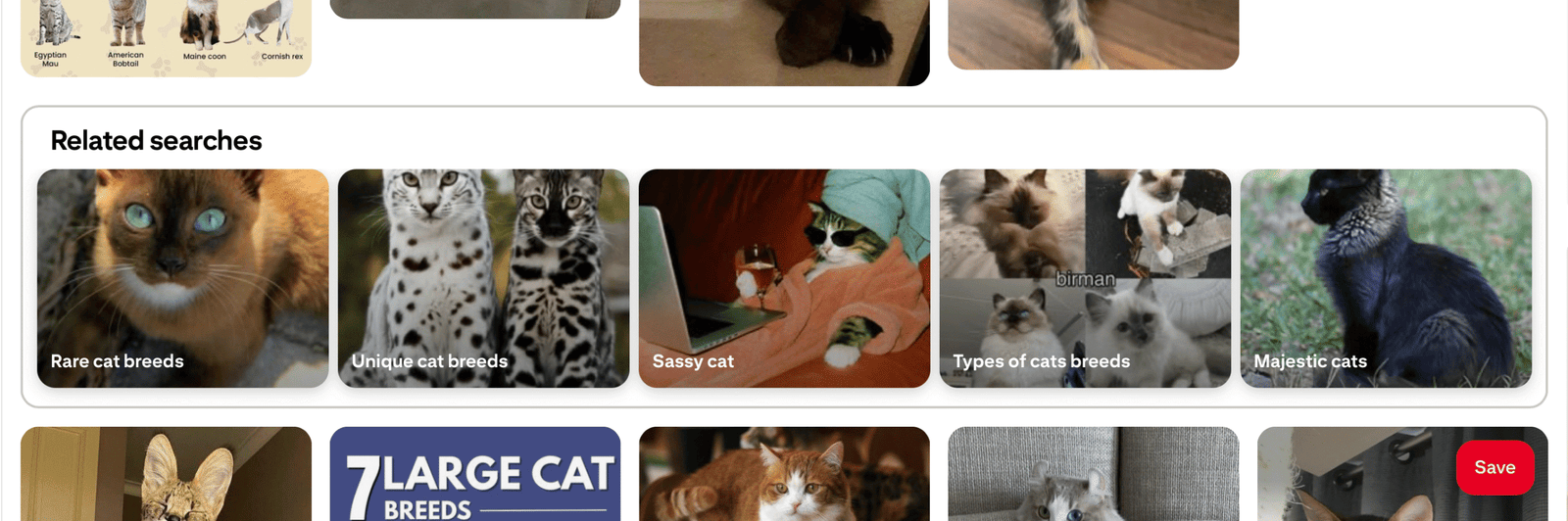
And also as you scroll Pinterest will give you related searches too:
My favorite find was KeySearch, because with this Pinterest keyword tool, I am able to do deep research and even see what the competitors in my niche are doing good, that I can improve, crucial for a new blogger.
But also KeySearch has this free Pinterest Tool:
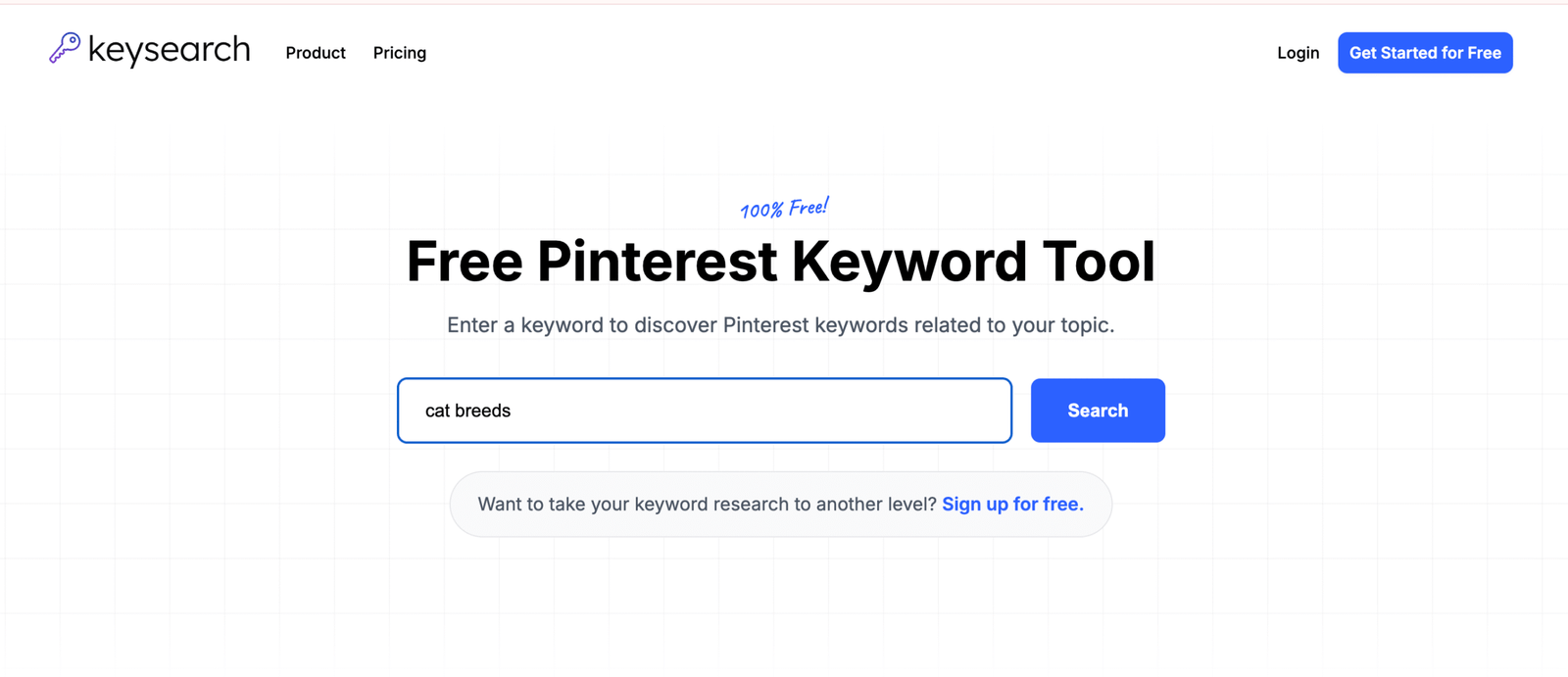
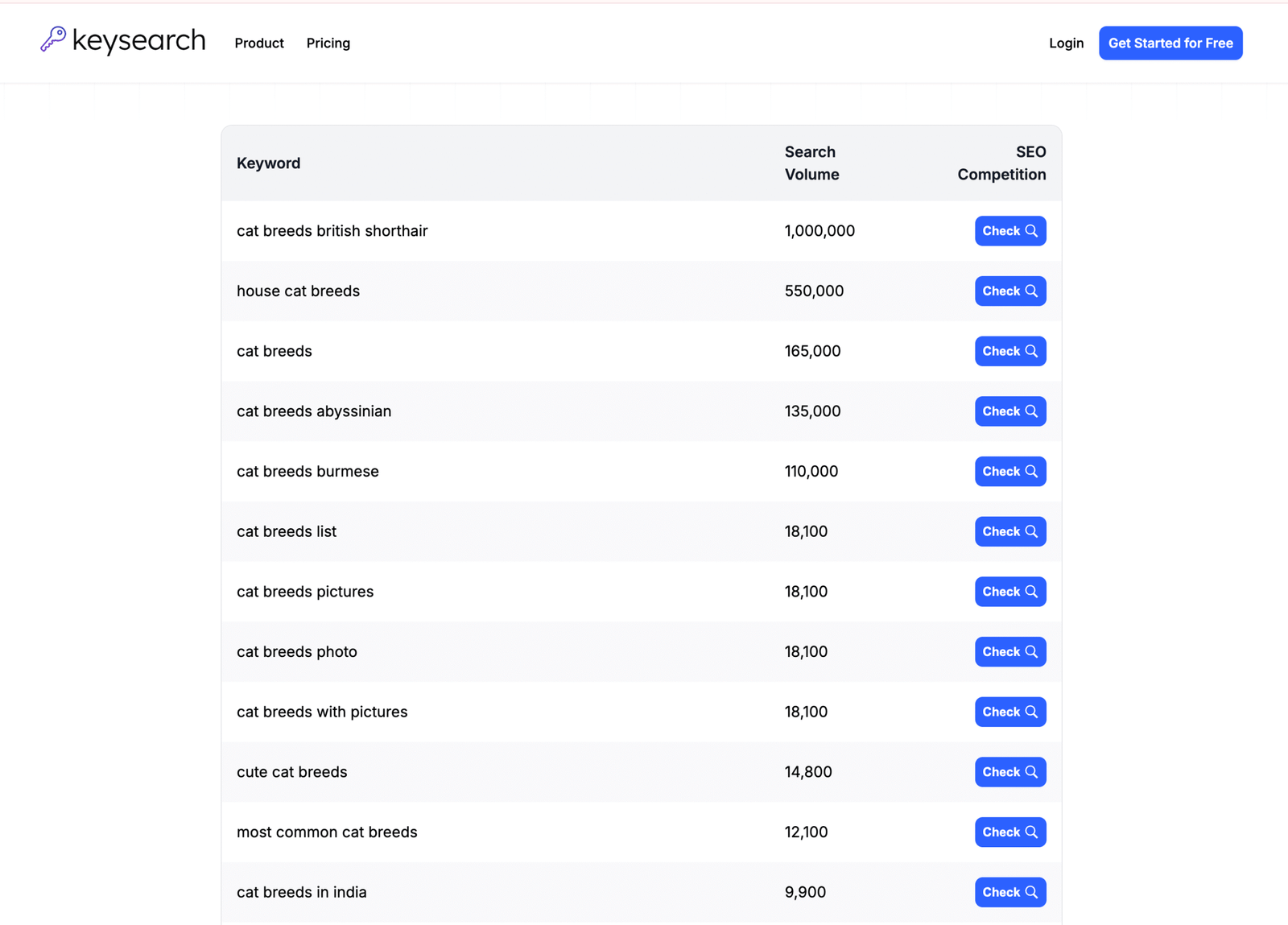
All of this for free? YES, but this is just the surface. I would advise you to try out the 7-day free trial KeySearch has to truly dive in and see what this blogging boy can do.
In case you weren’t aware, bloggers ‘depend’ on Pinterest for traffic, especially now, with AI ‘taking over’ Google results and the internet in general.
So, learning about Pinterest Marketing for Blogging is a step in the right direction.

- Now you have 10+ saved reels or carousels on Instagram
- Write them as ideas in Excel
- Research the keywords that you want to write about
- Add all additional keywords in the sheet too from Google + Pinterest
- Think of titles and open a Google Doc (make sure you do research on KeySearch), and you create subs there for all the titles
- Now you have all these blog posts with their own blank Google Doc
- Create one blog structure for a transactional blog
- One for comparisons
- One blog structure for guides and copy + paste this in all your Google Docs subs
- Start writing your first blog.
Tips for writing your first blog post:
- Set a timer for writing so you don’t overcomplicate the process and let perfectionism stop you from posting on time (pretend you are working for a client – if it helps)
- Following your own structure and keeping between 1500-2000+ words, write the whole blog post without going back and forward – just let your thoughts run and write as you think
- After you have your blog post content, go back and fix the structure – add proper headings, make sure the typography is good, it’s readable, etc.
- Find copyright-free images and add alt text + all WordPress details, and save them with the keyword as their title (I add all images on Canva and save them with proper size and title from there)
- Add the images in the blog post + add Frequently Asked Questions at the end of the blog post
- Add a lead magnet in the blog post (once or twice) and make sure you mention your keyword in the first sentences and the last sentences
- Install Yoast SEO plugin on WordPress and make sure it’s SEO friendly
- Add the blog post to the right category
- PUBLISH
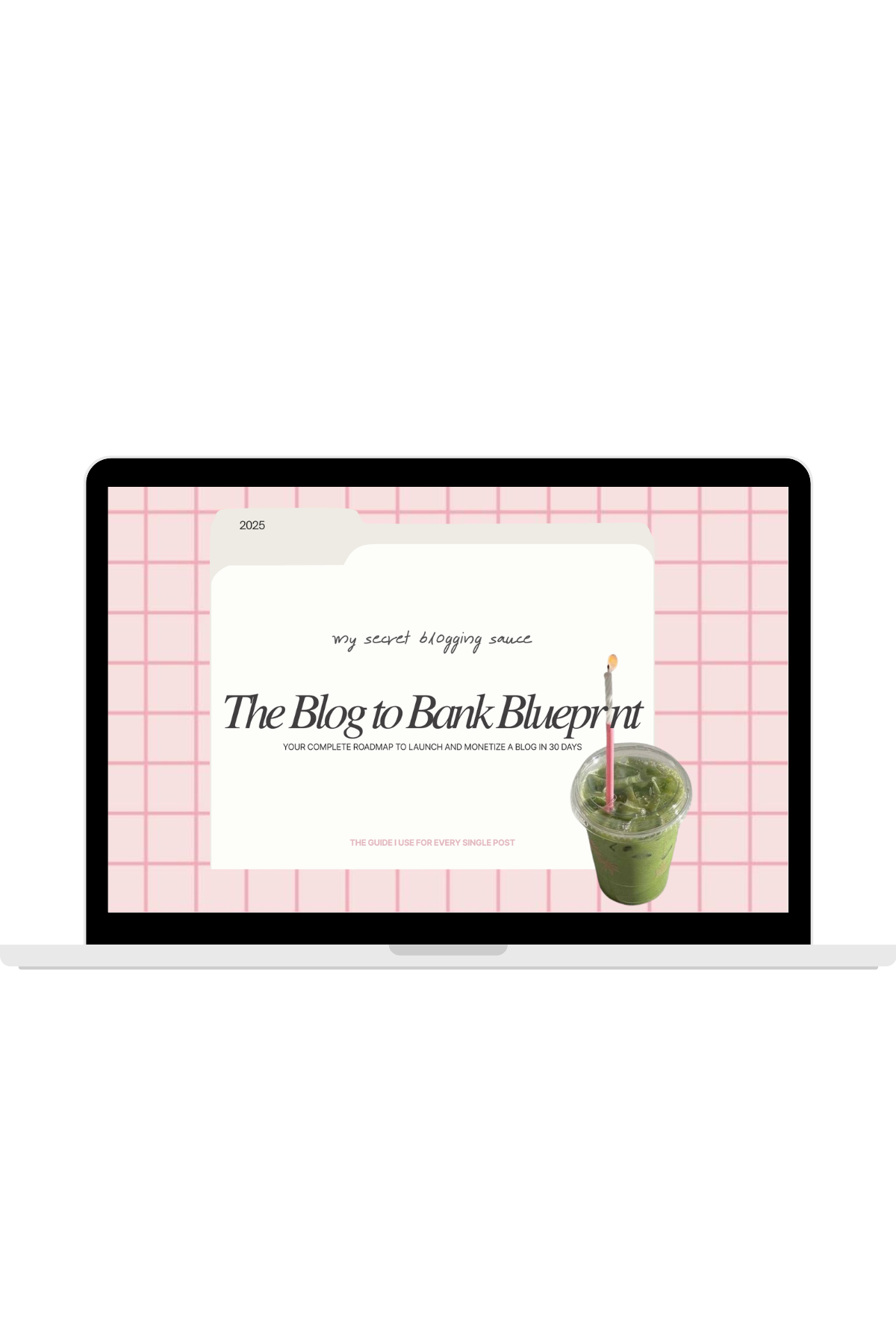
Free download
Ultimate guide to Blogging
Blogging is like reading; The more you do it, the better you become – now the blog post is published, what comes next?
- Create 4-5 Pins for every blog post
- Create social media posts for the blog post
- Create a reel for TikTok and Instagram
As a beginner, all of this will seem like a lot. If it does, you are doing it right.
This is all new, and as a new blogger, you don’t really know what you’re getting yourself into, the truth is, every niche is different, and what works for other bloggers, may not work for you, but you have one goal, your blog just has to work.
So, find what works for you and double down, until you do – experiment, experiment, and experiment. (look at me spending words after talking about the importance of them).
I am proud of you, keep it simple, just write, just post, give yourself time to grow with your blog.
Make sure you set up your email before you hit PUBLISH on your first blog post: