
When I first started blogging 2 years ago, I only paid for hosting and a domain, and I didn’t know that these cute lifestyle and mommy blogs actually use WordPress themes to make their websites look aesthetic, clean and organized.
I am not a designer, and even though I am creative, I spent days until my first website looked anywhere near what I wanted (the homepage). If I spent all this time on one page, I could only imagine the work it would take me to build a whole website.
After weeks of sleepless nights, I finally came across an article about WordPress themes for bloggers. I purchased my first theme from 17Avenue Designs based on how aesthetically pleasing it looked to me, as a new blogger who had no idea about the back end of things.
This is the first theme I purchased:
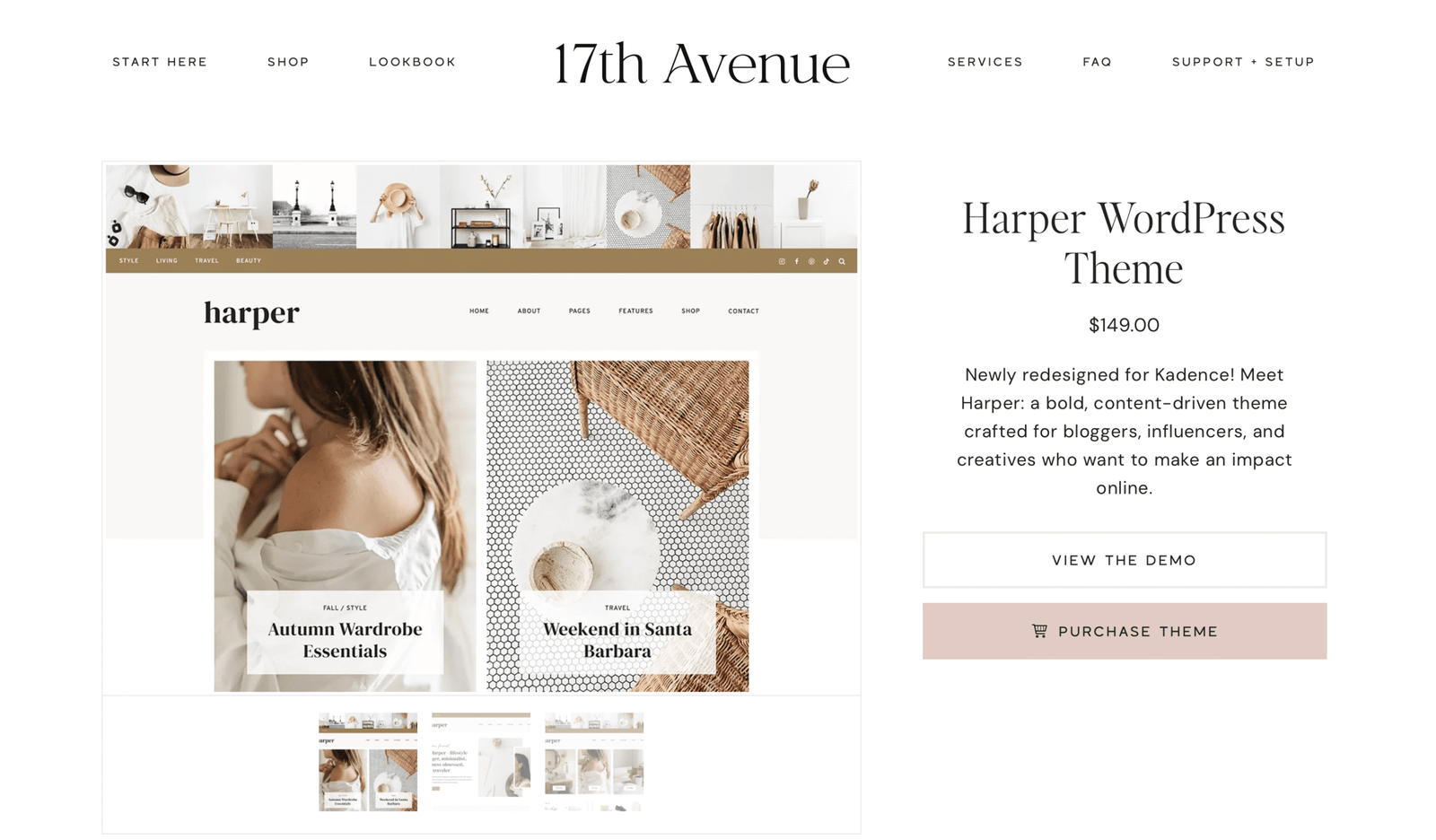
I just fell in love with the colors, the fonts, and especially the Instagram feed above the menus, absolutely cute.
These themes come with a manual from 17th Avenue and that looks like this:
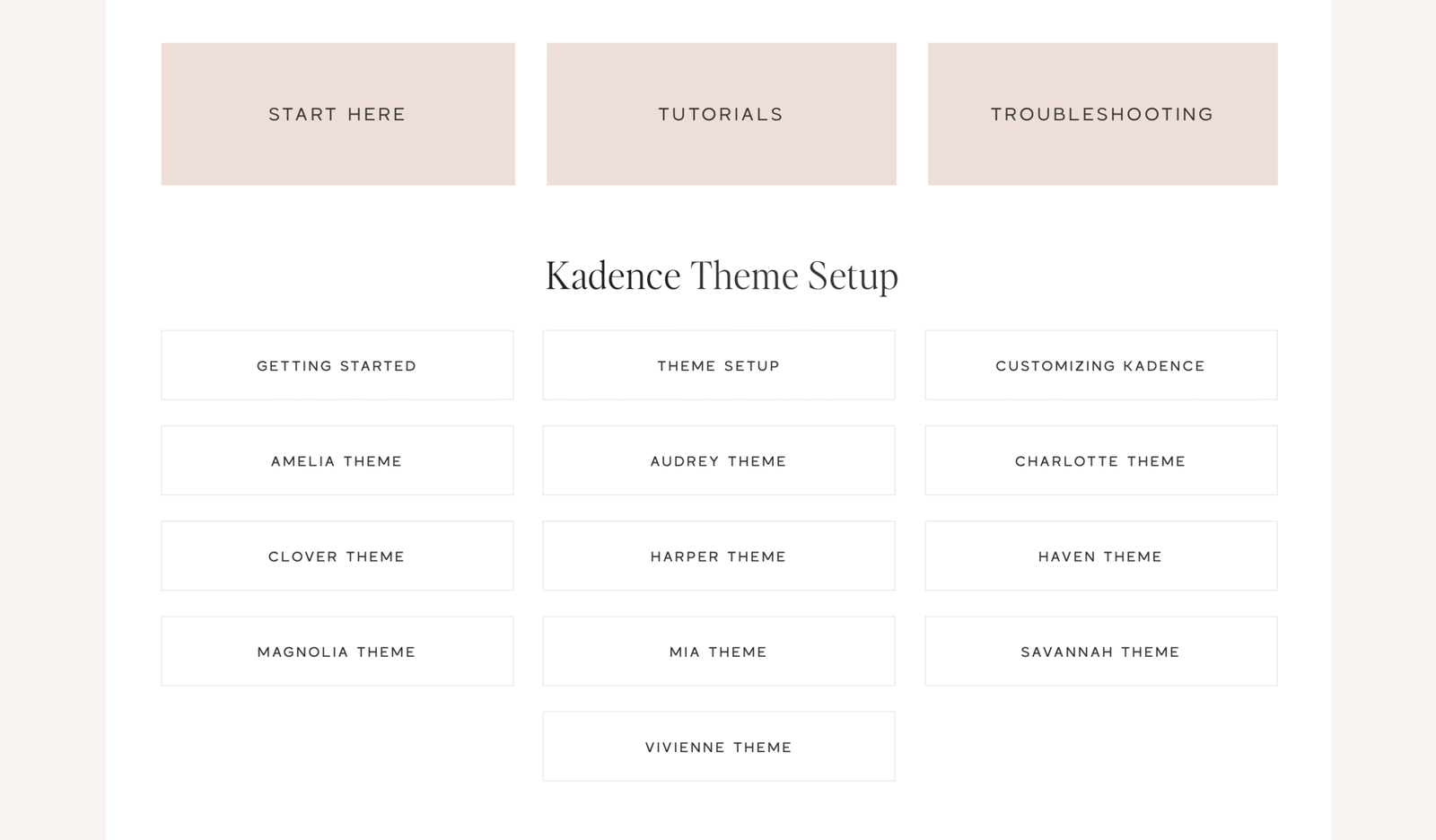
Once you purchase a theme, you get access to this library full of tutorials and step-by-step guides for your specific theme:
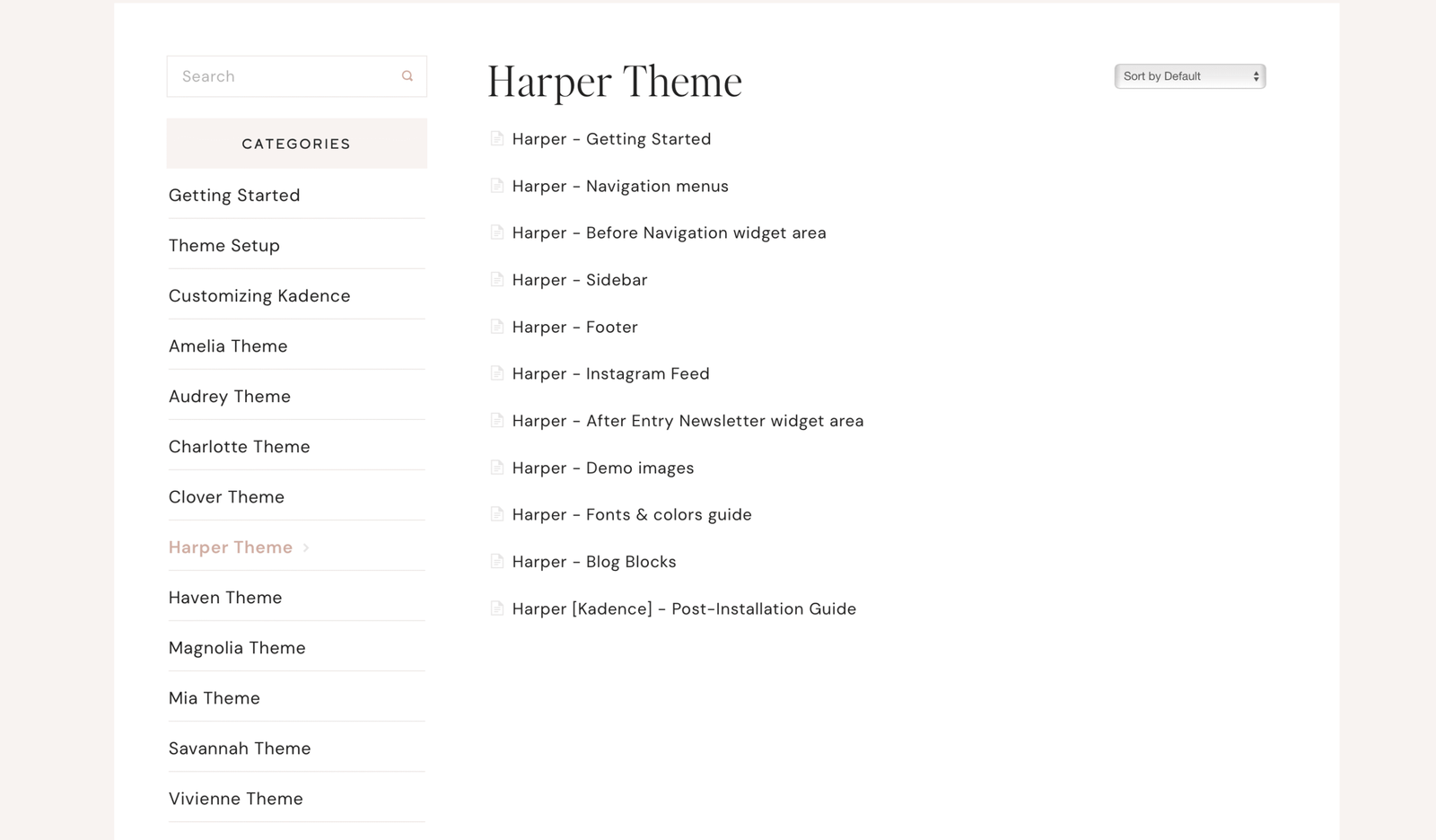
They are super easy to set up. It literally takes a few minutes to install the theme and then you can customize it to your liking.
What I love about these themes is that they are created for bloggers, and by following the theme setup, you can see exactly what you need to optimize as a blogger, how to write your first blog post, and how to set up the menus, categories and tags.
In short, you learn blogging, by setting up your blogging theme.
After I purchased Harper and customized it, I realized that the menus are not customizable to the point I like them to be (I wanted eventually to add a 3rd menu and that SHOP button at the corner of my website you see) and even though you can completely transfer to a new theme without losing anything, i was at the beginning so i decided to purchase another theme for BSA.
The theme you see right now is Magnolia Theme by 17Ave:
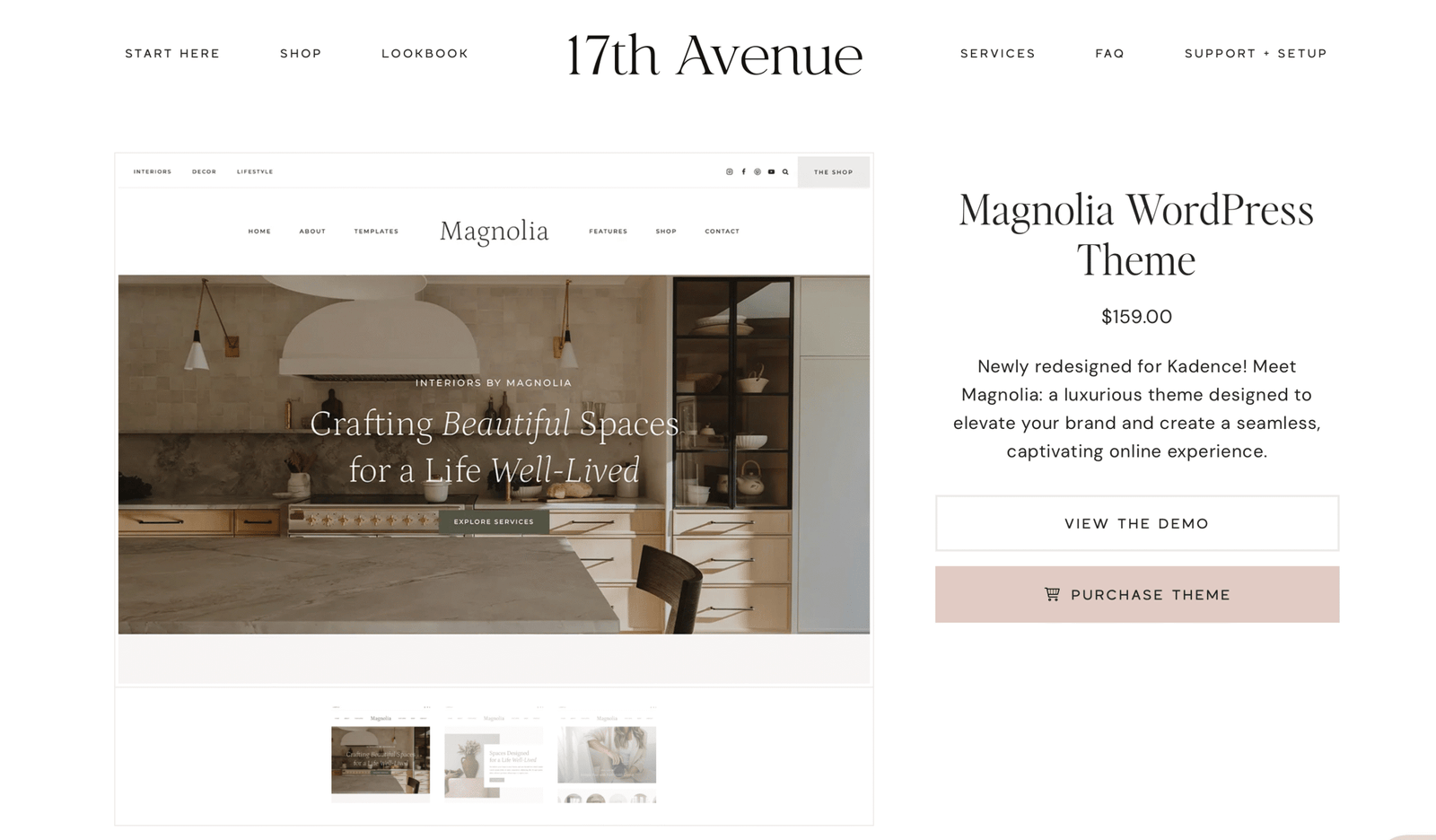
Magnolia is a Kadence theme, and if you haven’t made a purchase yet, i advise you to choose one of the Kadence themes, because, comparing the setup and everything else, Kadence is SO EASY compared to Genesis themes (like Harper).
Harper is also easy if you don’t have any experience and without anything else to compare, but now that I have tried both, Kadence is WAY easier in every way.
17Ave is the best in the game, truly!
For every theme, they have a demo version, which means you can see how the whole theme will look like:
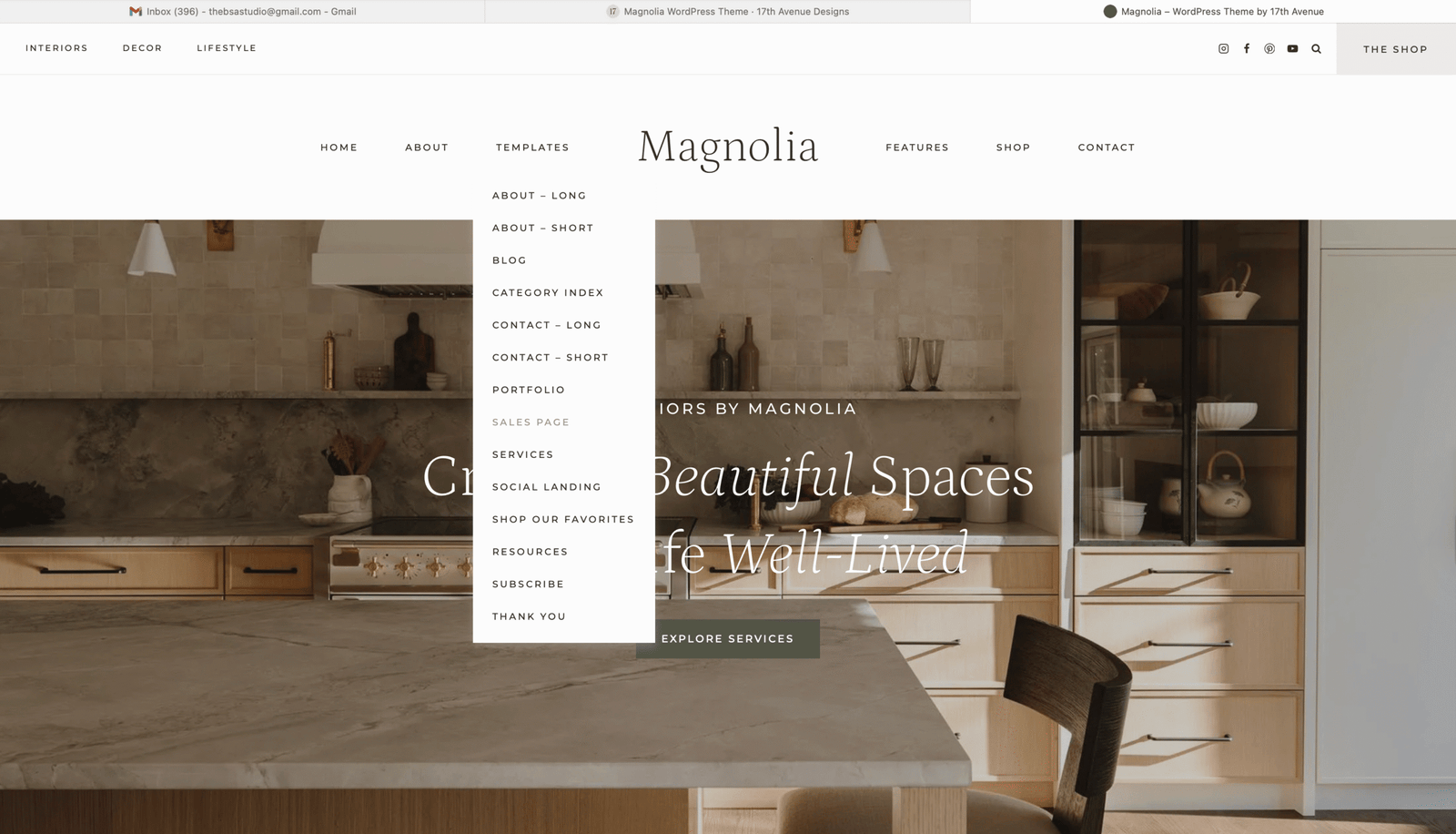
Once you install your theme, it will look like the demo version, and there are so many page templates to choose from, it’s so fun!
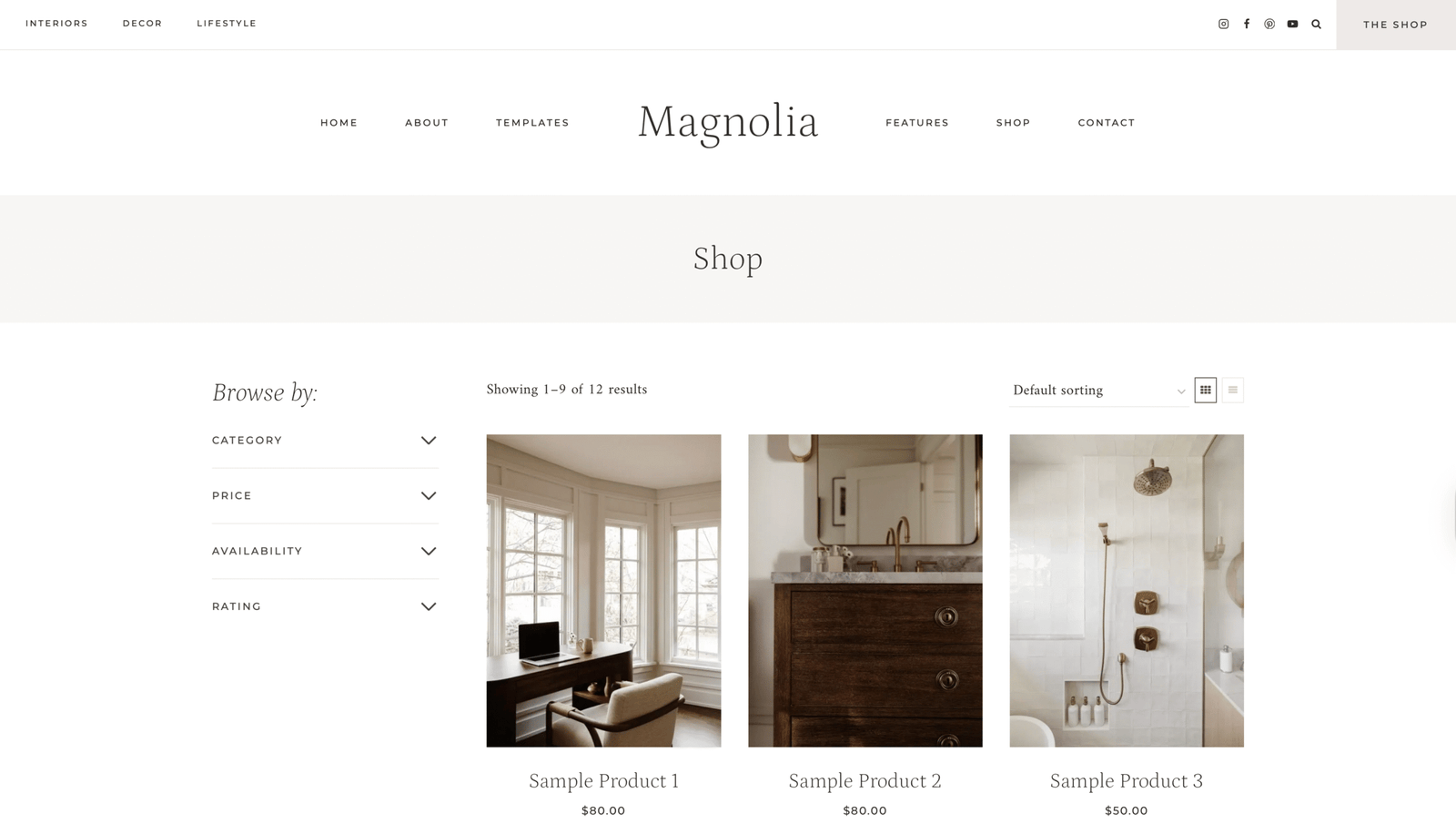
One of the main reasons I switched from Harper to Magnolia was the Shop page. I just love how easy it is to start earning with your blog with this theme.
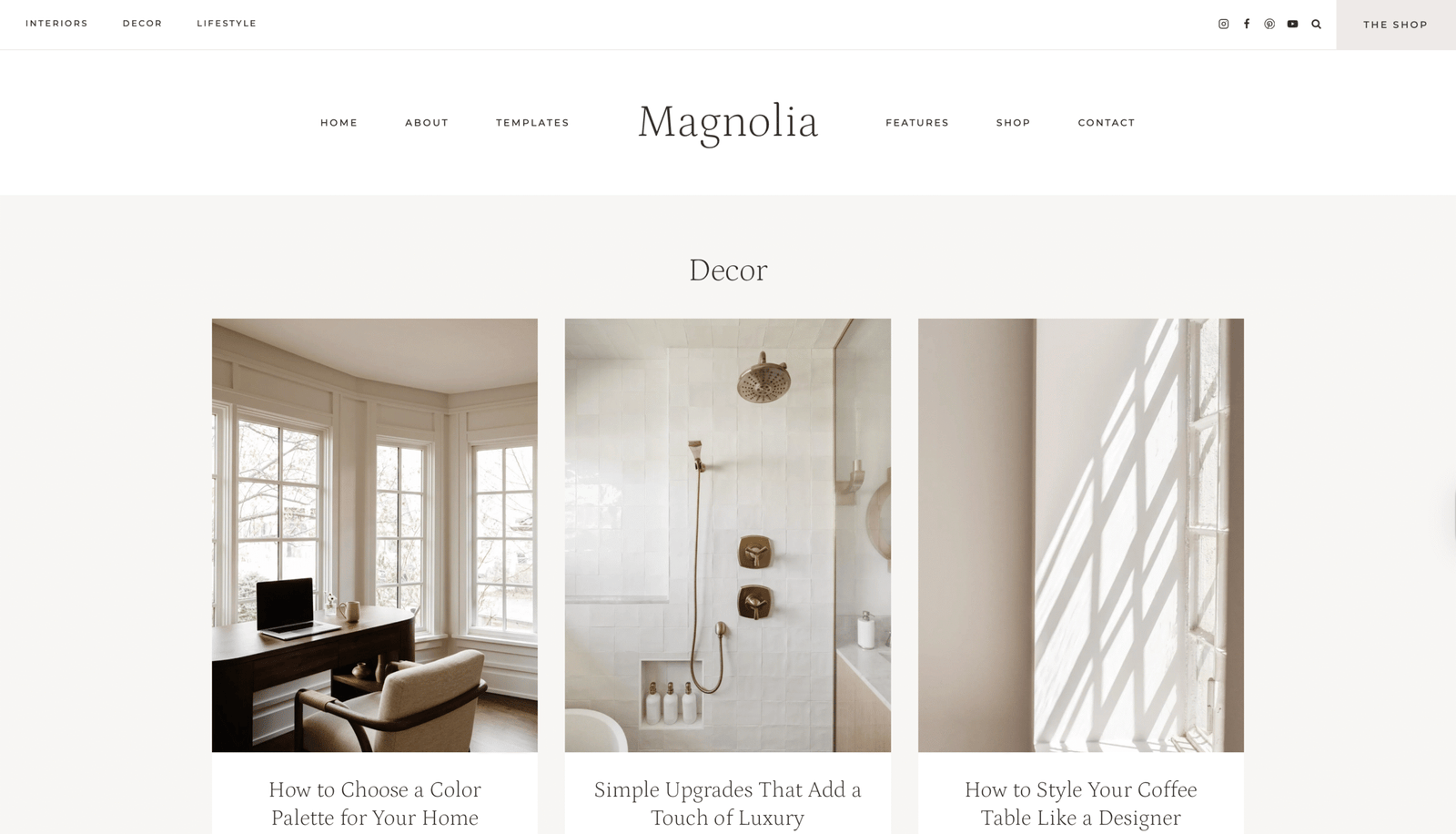
Just a POV on one of the blog categories:
Now that you have a website in place and it looks so clean and aesthetic, you are thinking of creating content (blog posts), and whether you have a cooking blog, lifestyle blog, or any other niche, the theme comes with a DESIGN LIBRARY! How cool is this?
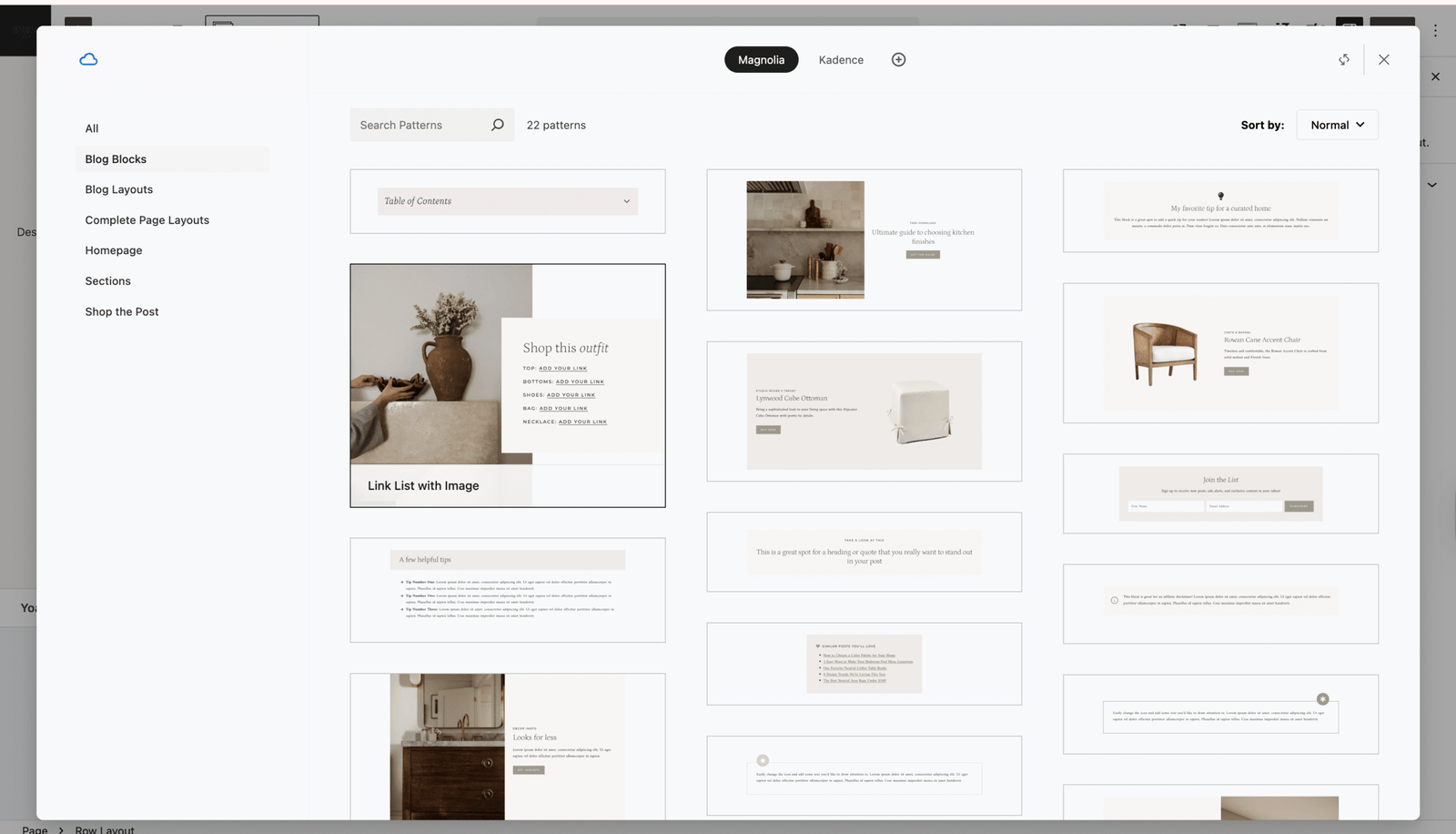
You just pick any section you want to add to your blog post and customize it to your liking (everything can be changed).
This is my most amazing find about blogging and it makes everything so easy, 100% worth your bank!
Still can’t decide which theme for your niche?
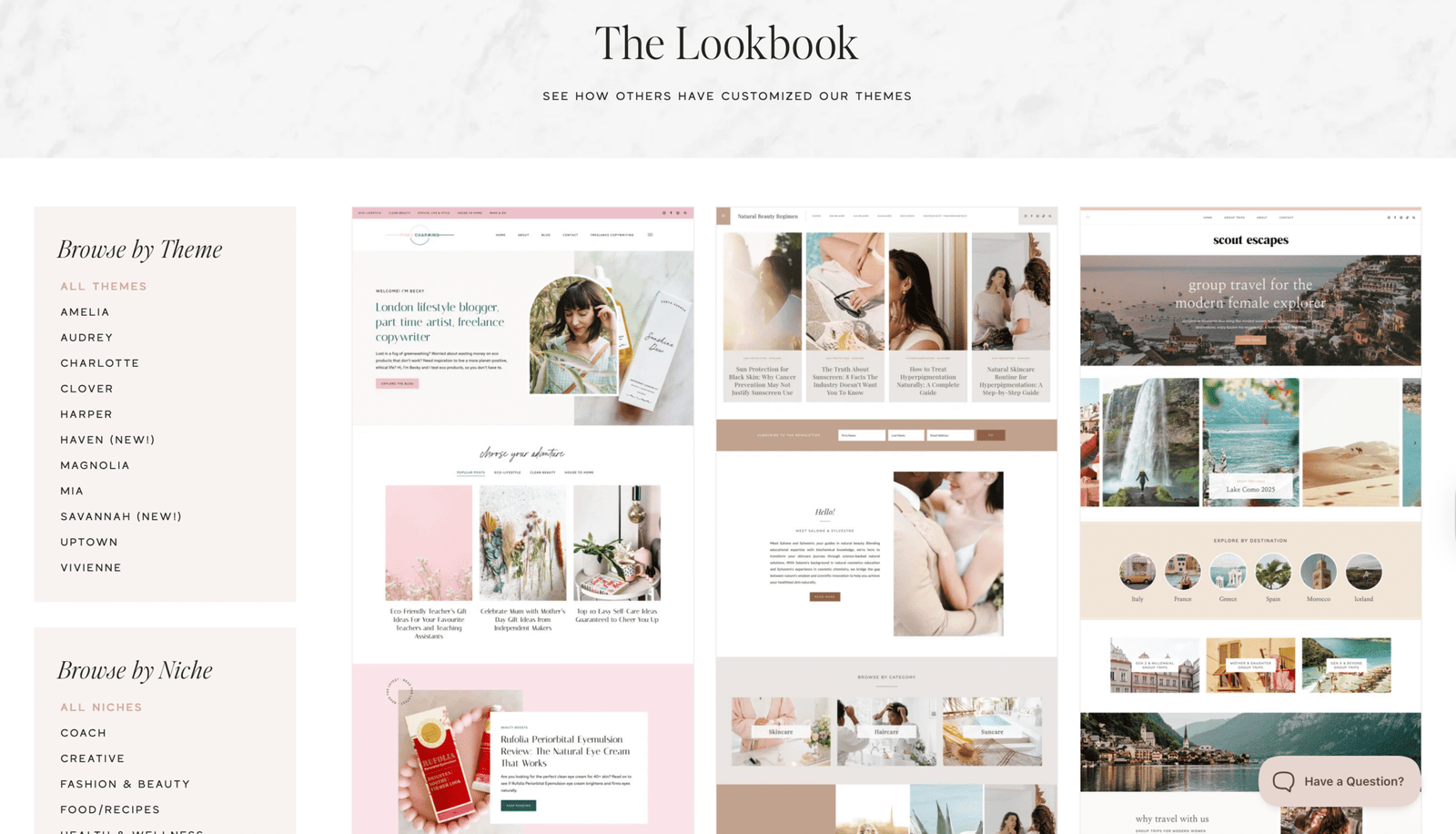
This lookbook is basically an archive of all websites that use a 17Ave WordPress Themes but of course all of them are customized and completely unique.
When I was thinking about choosing a theme, and I wasn’t sure about which niche to blog about, I scrolled this lookbook for inspiration.
start here
Create Your Dream Blog
Before you purchase a theme, you need a website – the theme is basically how the website looks like, but to have your own website, you need HOSTING and a DOMAIN.
A domain is what someone types on Google to get to your website. (businesssuiteagency.com)
Hosting is like the storage space for your website (all the files, theme and everything that is a part of your website is being taken care of by the Host)
This is all super simple, and it takes 1 minute to get these:
With Hostinger, with you hosting, you get a FREE DOMAIN.
This is exactly what I use and this is how to set this up in a minute:
Hostinger
hosting + free domain
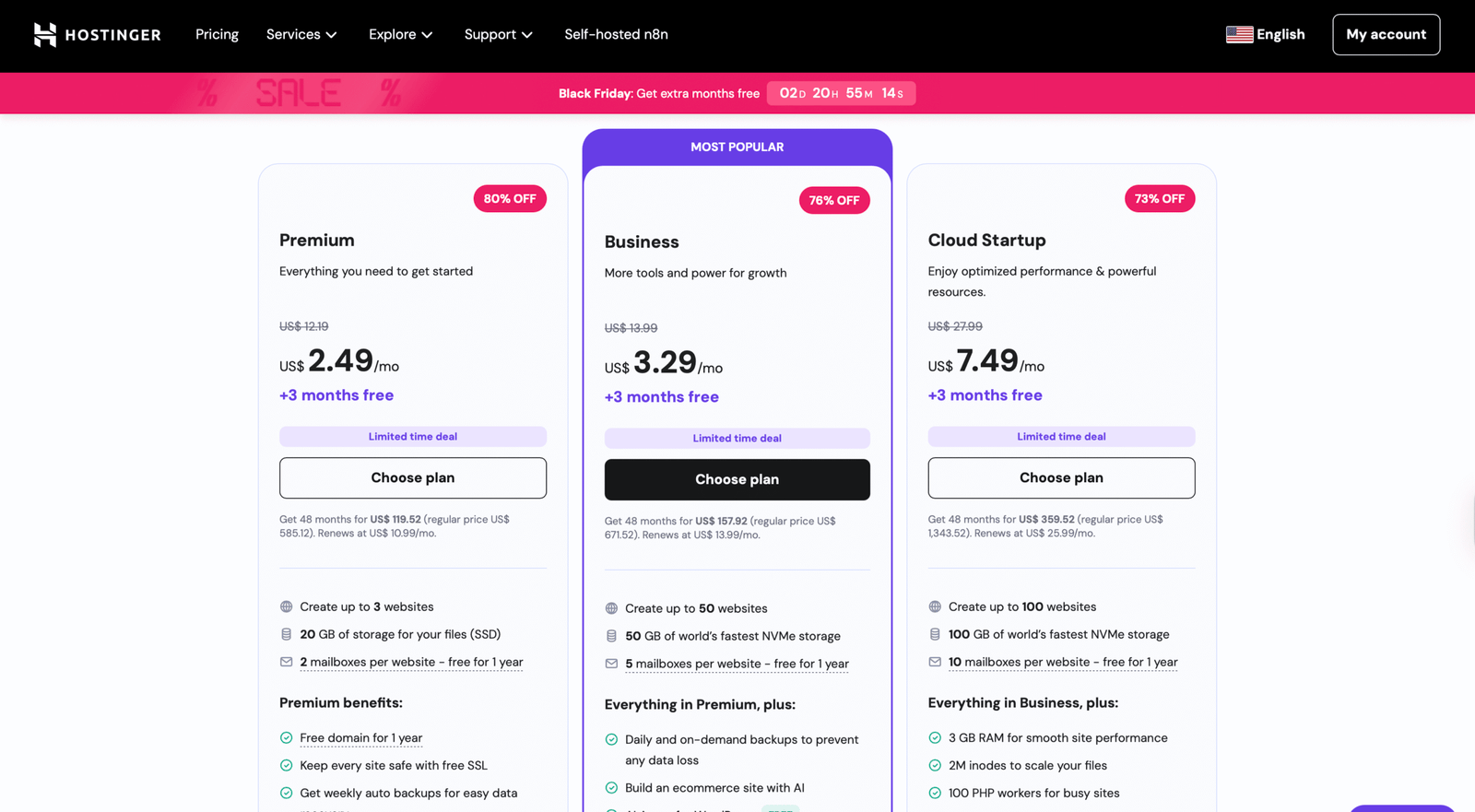
i chose the business plan for mine
It’s the most affordable Hosting I have found
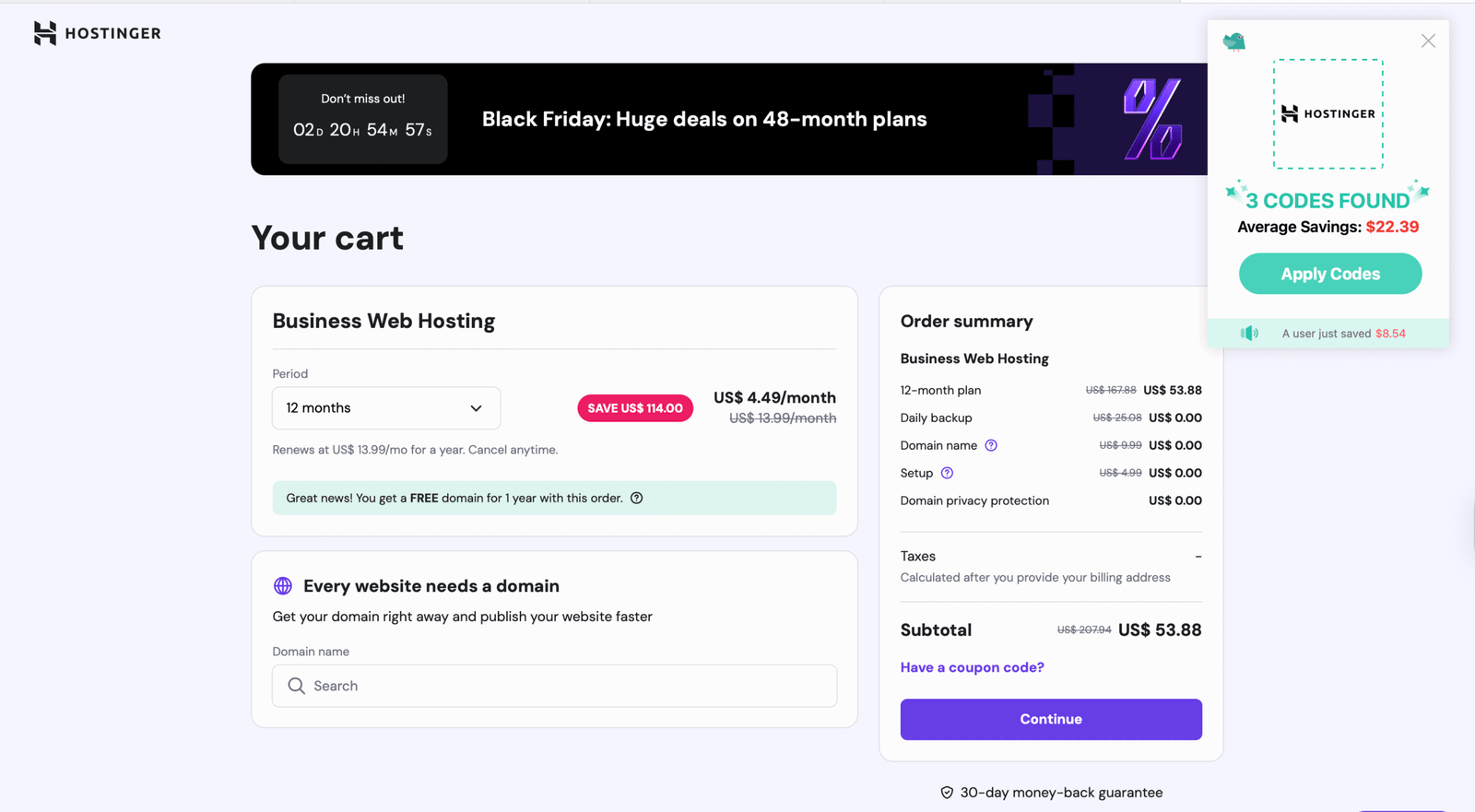
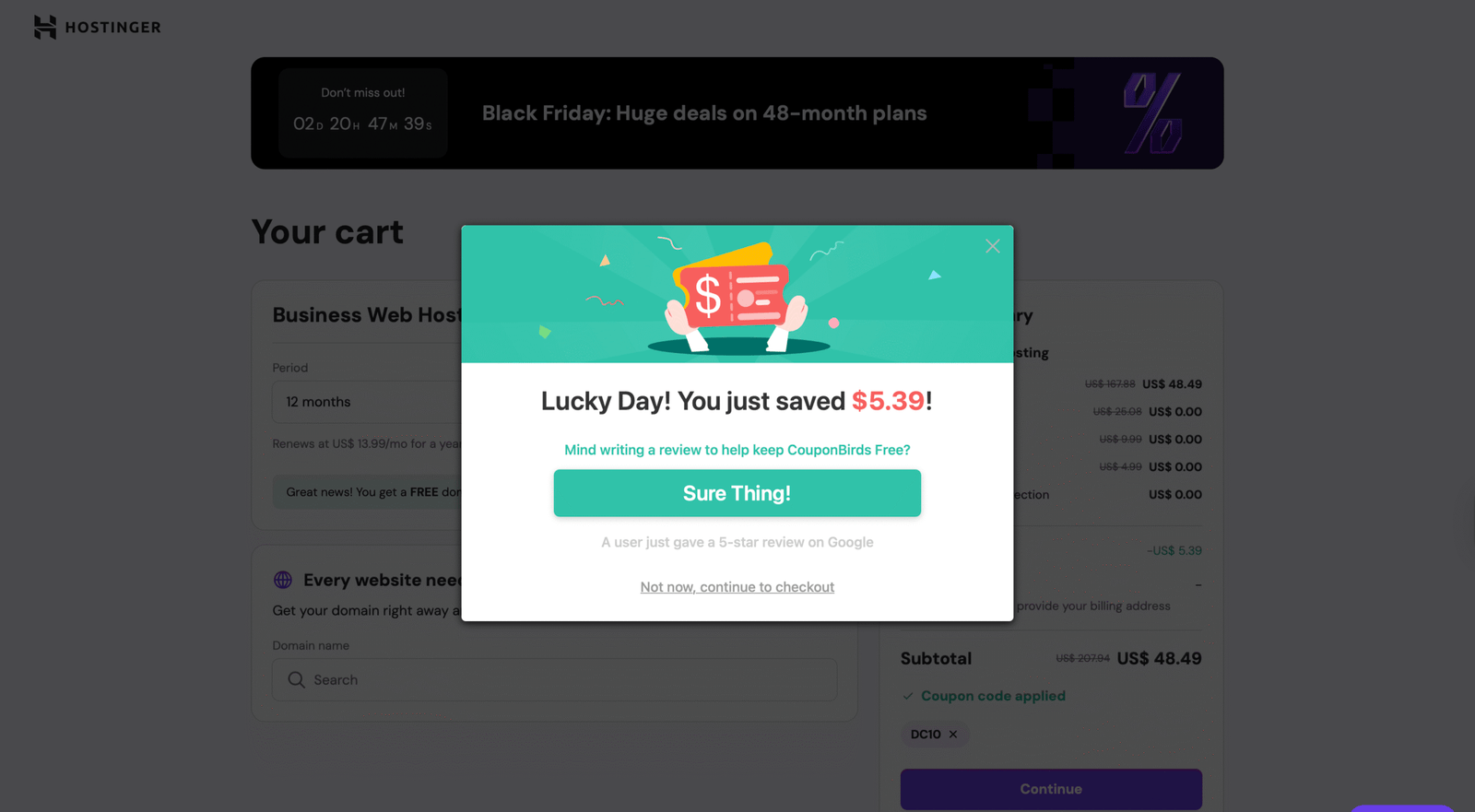
You see this coupon pop up on the right?
A PRO TIP is to add this CouponBirds extension to your browser to get additional discounts every time you check out.
Congrats, you have your own blog.
$48.49 for one year of hosting + free domain.
start here
Get Hosting + Free Domain
Read more about Hostinger and how I created my Business Blog here:
-
How to Start a Digital Marketing Agency in 2025 with No Experience
Wondering how to get into marketing with no experience? Yes, you can start a digital marketing agency with no experience, no money and no certificate. In this 30-day beginner’s guide i show you exactly how i launched my agency from scratch. (the no burnout way)
More Blogging Tips and Tools you need:
-
How To Create A Vision Board For A Blog In 2026 + Free Checklist
Are you guilty of being a type A perfectionist that loves planners and starting over, using Pinterest boards for inspiration and saving life-changing quotes just to maybe even never look at them again, except when it’s time to clear that storage for the new year new me? Creating a vision board might…
-
38 Beauty Side Hustles To Start In 2026
Ever wondered what beauty job pays the most money? Well, if you did, I am giving you the answer today: This is the ultimate list of beauty side hustles that you can start in 2026. Just as every two-parent household has a strict mom and a golden retriever energy dad, or vice-versa,…
That’s all, to summarize, this is what you do next:
Steps:
hosting and domain: hostinger
aesthetic theme: 17Ave designs
free email: convert kit
keyword research: keysearch
aesthetic images: ivory mix
Once you have everything set, get this guide to see your steps after you have your blogging website set up!
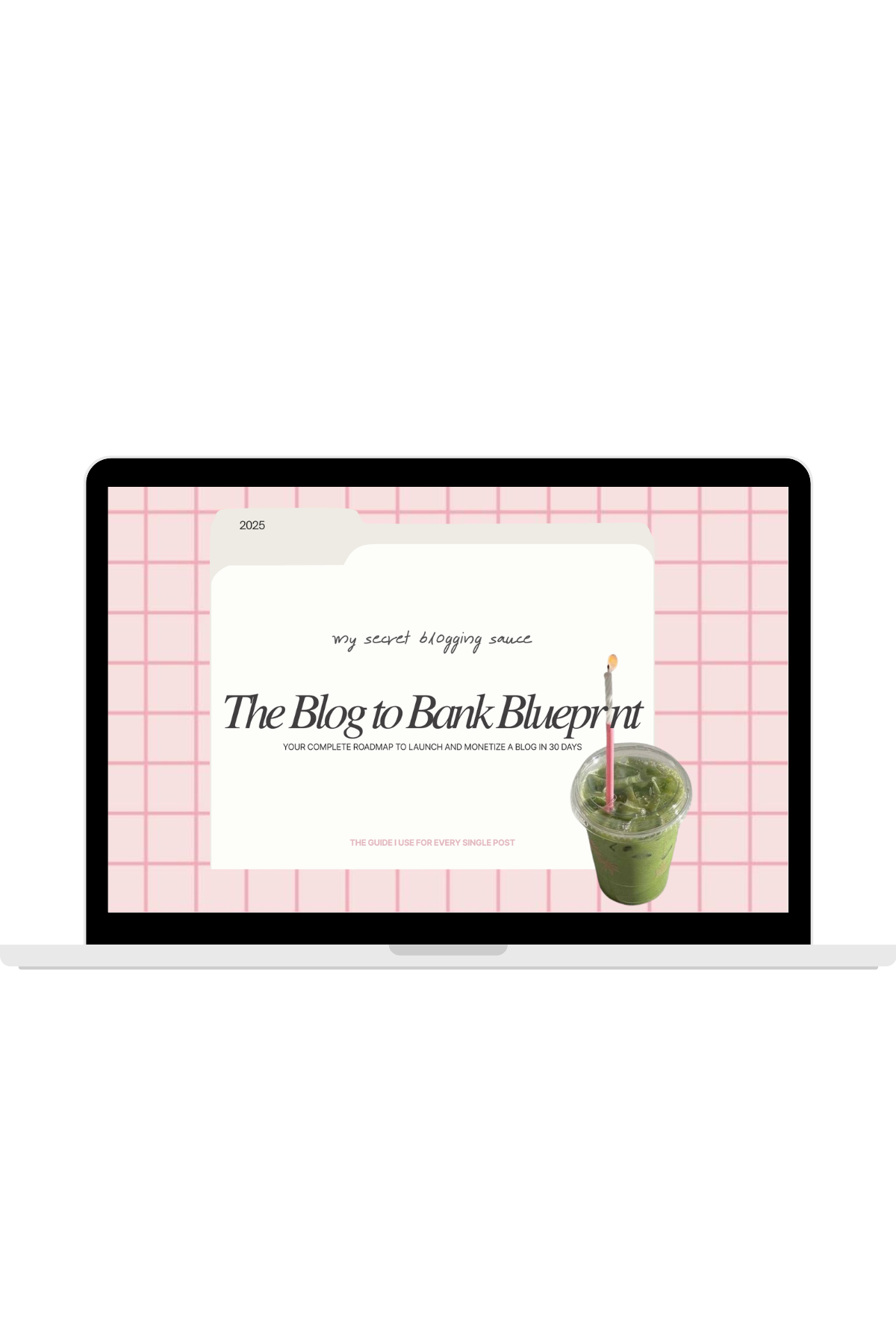
Free download
Ultimate guide to Blogging.
I am so excited for your journey ahead!
Feel free to reach out for any questions along the way (every image above is clickable and can lead you to the step that is being discussed in the blog).
Happy blogging.